What makes a great gaming laptop?
A gaming laptop should deliver as close as possible an experience as a desktop gaming PC, with the additional benefits of smaller size and portability. A laptop takes up far less space than a desktop PC and is much easier to take with you for on holiday, to gaming conventions or to work.
Below are the essentials you need to know when choosing a gaming laptop.

Graphics Card (GPU)

While every component in a gaming laptop has an important role to play, the graphics card, which comprises a GPU and memory, is by far the most critical. This is because the graphics card does all the heavy lifting when it comes to gaming, with more powerful cards delivering smoother frame rates for a better gaming experience. High-end graphics cards also enable you to improve the quality settings and increase the resolution for greater fidelity. As the graphics card is the most expensive component it has the biggest effect on the cost of a gaming laptop.
The majority of laptops marketed for home and office use rely on inbuilt graphics chips within the CPU. Whilst they may be capable of rendering some very simple content, a discrete NVIDIA GeForce RTX GPU is always the way to go for a great visual experience. NVIDIA GeForce is the market leader in laptop gaming GPUs, as they offer a wide range of key features to enhance the gaming experience.
DLSS
DLSS (Deep Learning Super Sampling) is an advanced AI-powered rendering technique unique to NVIDIA graphics cards that uses the Tensor cores to increase frame rates. DLSS enables you ramp up the resolution to enjoy higher quality graphics, without sacrificing performance. DLSS 4 and 4.5 builds on the upscaling and frame generation techniques of previous generations, but uses AI transformers rather than neural networks to produce up to three (version 4) or five (version 4.5) frames interspersed between Super Resolution frames. DLSS 4.5 also has improved image quality over version 4, with reduced ghosting and better temporal stability.

Ray Tracing
The RT cores enables real time ray traced graphics in games. Unlike traditional rasterised graphics, ray tracing simulates how light beams and shadows actually work, providing far more rich and realistic graphics.
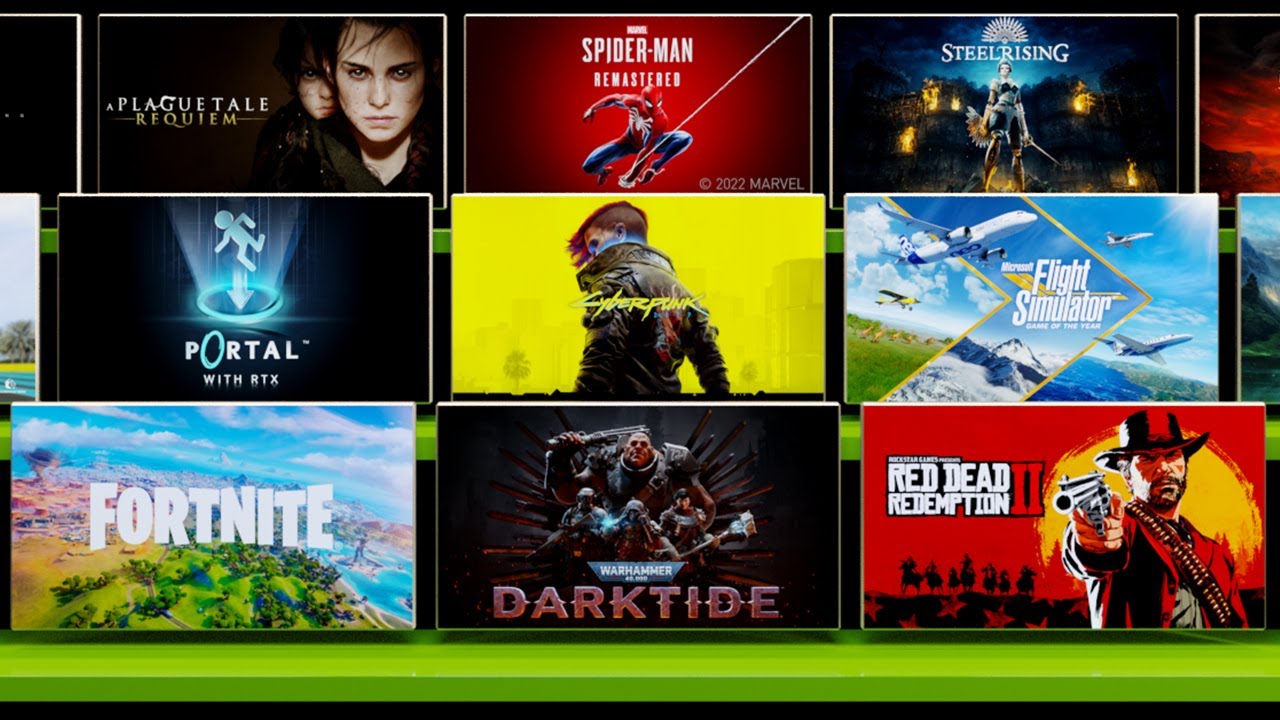
NVIDIA Reflex
Reflex is a technology introduced with RTX 30-series GPUs that reduces input lag, the delay between you moving your mouse and seeing the game update on your monitor. 50-series GPUs add an improved version, Reflex 2, that cuts latency even further, helping you aim more accurately in fast-paced competitive games.

NVIDIA App
The NVIDIA App is the essential companion for PC gamers and creators. Keep your PC up to date with the latest NVIDIA drivers and technology. Optimize games and applications with a new unified GPU control center, capture your favorite moments with powerful recording tools through the in-game overlay, and discover the latest NVIDIA tools and software.
Download Now GeForce Drivers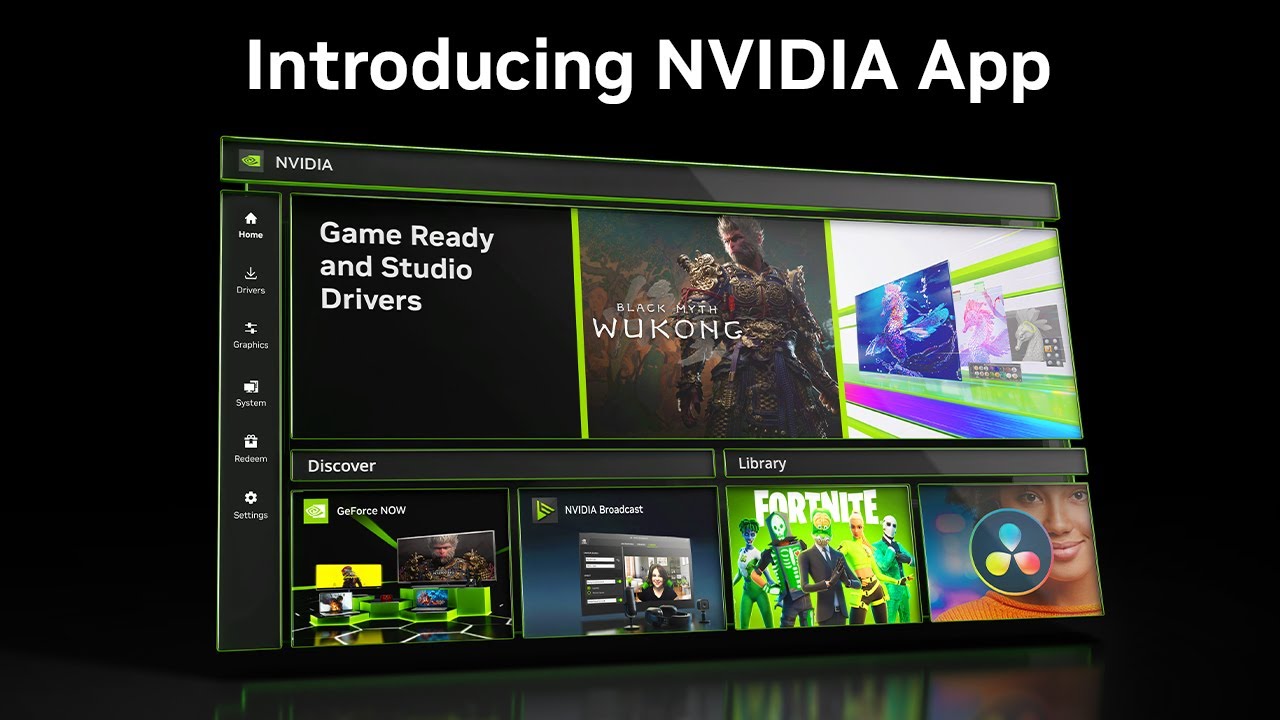
NVIDIA Broadcast
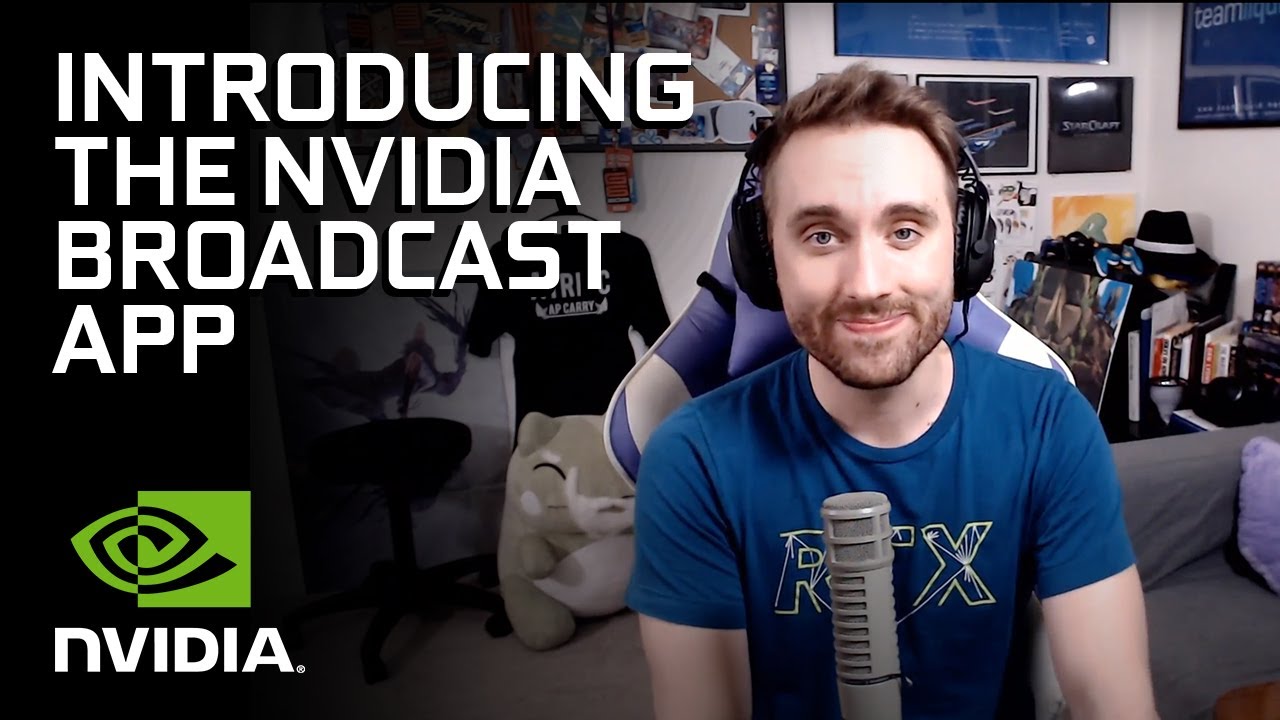
Broadcast is a software suite that helps streamers take their channel to the next level with tools such as background noise removal, virtual backgrounds and an auto frame function that zooms in on you and uses AI to track your head movements, keeping you at the centre of the action even as you shift from side to side. With these great features, NVIDIA Broadcast is like having your own professional studio and cameraperson.
Explore the range of GeForce RTX 50-series* laptop GPUs below.
| RTX 5090 | RTX 5080 | RTX 5070 Ti | RTX 5070 | RTX 5060 | RTX 5050 | |
|---|---|---|---|---|---|---|
| Performance | ||||||
| Content Creation | ✔ | ✔ | ✔ | ✔ | ✔ | ✖ |
| Gaming | ✔ | ✔ | ✔ | ✔ | ✔ | ✔ |
| Streaming | ✔ | ✔ | ✔ | ✔ | ✖ | ✖ |
| Price | ||||||
| CUDA Cores | 10,496 | 7,680 | 5,888 | 4,608 | 3,328 | 2,560 |
| Tensor Cores | 328 (5th Gen) | 240 (5th Gen) | 184 (5th Gen) | 144 (5th Gen) | 104 (5th Gen) | 80 (5th Gen) |
| RT Cores | 82 (4th Gen) | 60 (4th Gen) | 46 (4th Gen) | 36 (4th Gen) | 26 (4th Gen) | 20 (4th Gen) |
| Memory | 24GB GDDR7 | 16GB GDDR7 | 12GB GDDR7 | 8GB GDDR7 | 8GB GDDR7 | 8GB GDDR7 |
* We also stock some previous-generation GeForce RTX 40-series laptops at lower price points.
We also sell RTX Studio Laptops for content creation workflows.
Need more performance?
Unlike desktops which can be easily upgraded with faster graphics cards, laptops have a fixed specification. However, you can speed up graphically demanding tasks by offloading them from the graphics card in the laptop to a virtual GPU, hosted in Scan Cloud.
Find out more in our Cloud Workstation Buyers Guide.

Processor (CPU)

Alongside the graphics card, the processor or CPU is also key, as it is responsible for other tasks outside of graphics. A processor with a higher clock speed and more cores will result in a better overall experience. The tabs below give more detail on the two main brands of processor, Intel and AMD, and the different models each brand makes.
Intel Core Ultra CPUs
We recommend Intel Core Ultra CPUs in our gaming laptops, available in a range of performance and price points, as shown in the table below.
| Core Ultra 9* | Core Ultra 7* | Core Ultra 5* | ||
|---|---|---|---|---|
| Performance | ||||
| Price | ||||
| Content Creation | ✔ | ✔ | ✖ | |
| Gaming | ✔ | ✔ | ✖ | |
| Streaming | ✔ | ✔ | ✖ | |
| P-Cores | 4 / 4 | 4 / 4 | 4 / 4 | |
| E-Cores / Threads | 8 / 8 | 8 / 8 | 4 / 4 | |
| LP E-Cores / Threads | 4 / 4 | 4 / 4 | 4 / 4 | |
* There are also Core Ultra X 9/7/5 models with higher performance integrated GPUs
AMD Ryzen AI CPUs
We recommend AMD Ryzen AI CPUs in our gaming laptops, available in a range of performance and price points, as shown in the table below.
| Ryzen AI 9 | Ryzen AI 7 | Ryzen AI 5 | ||
|---|---|---|---|---|
| Performance | ||||
| Price | ||||
| Content Creation | ✔ | ✔ | ✖ | |
| Gaming | ✔ | ✔ | ✖ | |
| Streaming | ✔ | ✔ | ✖ | |
| Cores / Threads | 12 / 24 | 8 / 16 | 6 / 12 or 4 / 8 | |
* There are also Core Ultra X 9/7/5 models with higher performance integrated GPUs
System Memory

While having sufficient memory on the graphics card is important, application and game performance will be crippled without adequate system memory or RAM. You should choose the quantity of system memory depending on your GPU, as summarised in the table below. For some use cases it may be advisable to buy a system with more memory, for instance, for if you’re also going to be using the system for content creation or streaming. Most laptops can be upgraded with additional RAM later on as your needs change.
| NVIDIA | ||||||
|---|---|---|---|---|---|---|
| GPU | RTX 5090 | RTX 5080 | RTX 5070 Ti | RTX 5070 | RTX 5060 | RTX 5050 |
| Minimum System Memory | 64GB | 32GB | 32GB | 16GB | 16GB | 16GB |
Application and Project Storage

An SSD is essential in a laptop, not just to make games and applications load fast but also because they consume less power than a hard disk, helping to boost battery life, and they weigh less too. We recommend a laptop with at least a 1TB SSD or larger, as with games and media files taking up a lot of space, you can never really have too large an SSD in your laptop. If you do run out of storage space, many laptops will have a spare M.2 slot or 2.5in bay to add in another SSD, or you can add an external SSD (see the later Connectivity section for more details).
Laptop Size & Weight
Following your choice of GPU, CPU, RAM and storage, the next consideration should be overall size and weight. Size will be primarily governed by the size of the laptop screen which can vary from as small as 12.4” to as large as 18”. While a larger screen is obviously more immersive for gaming, it does come at the expensive of weight, so if you’re going to take your laptop around with you a lot a smaller screen may be advisable.
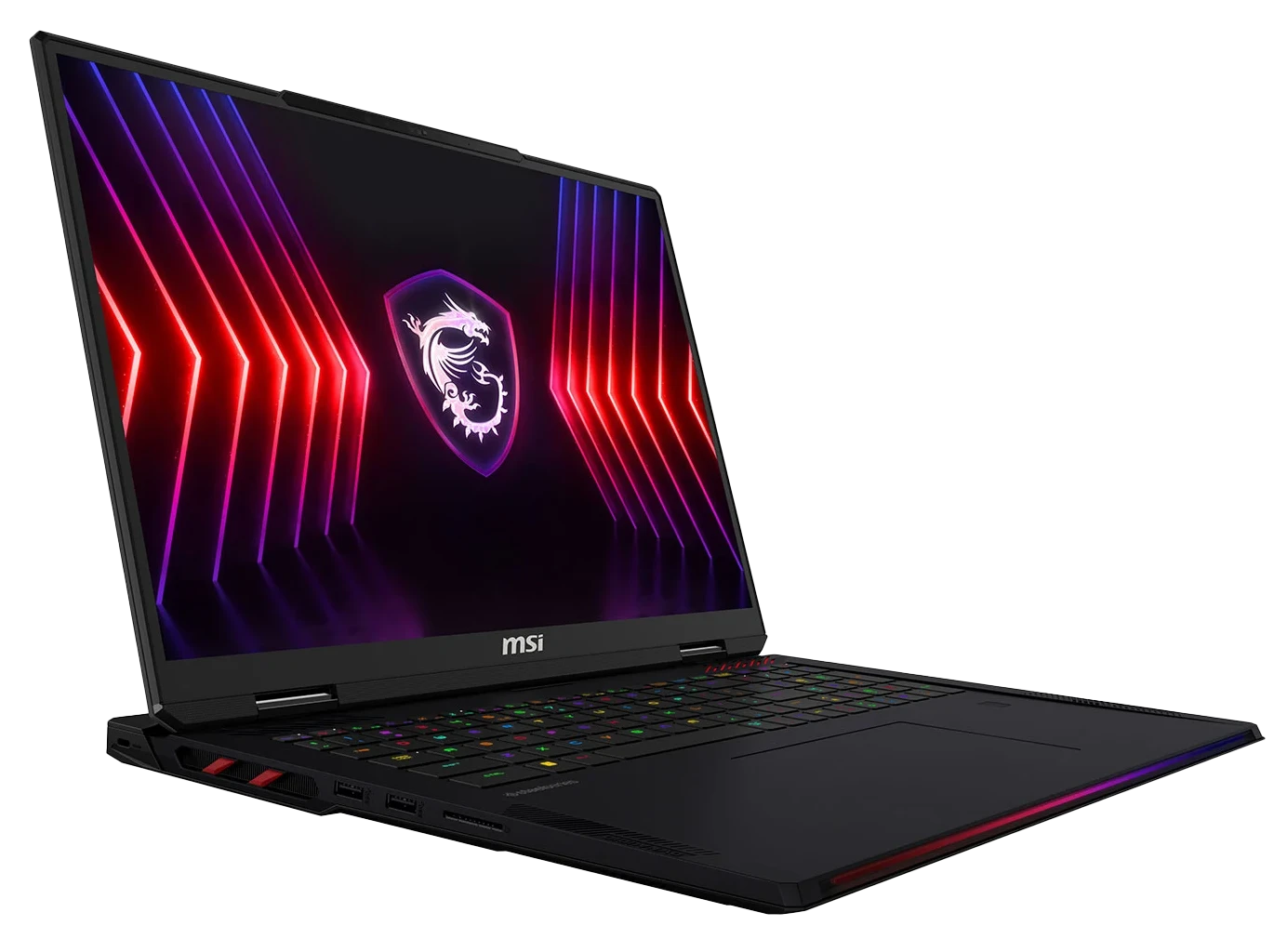
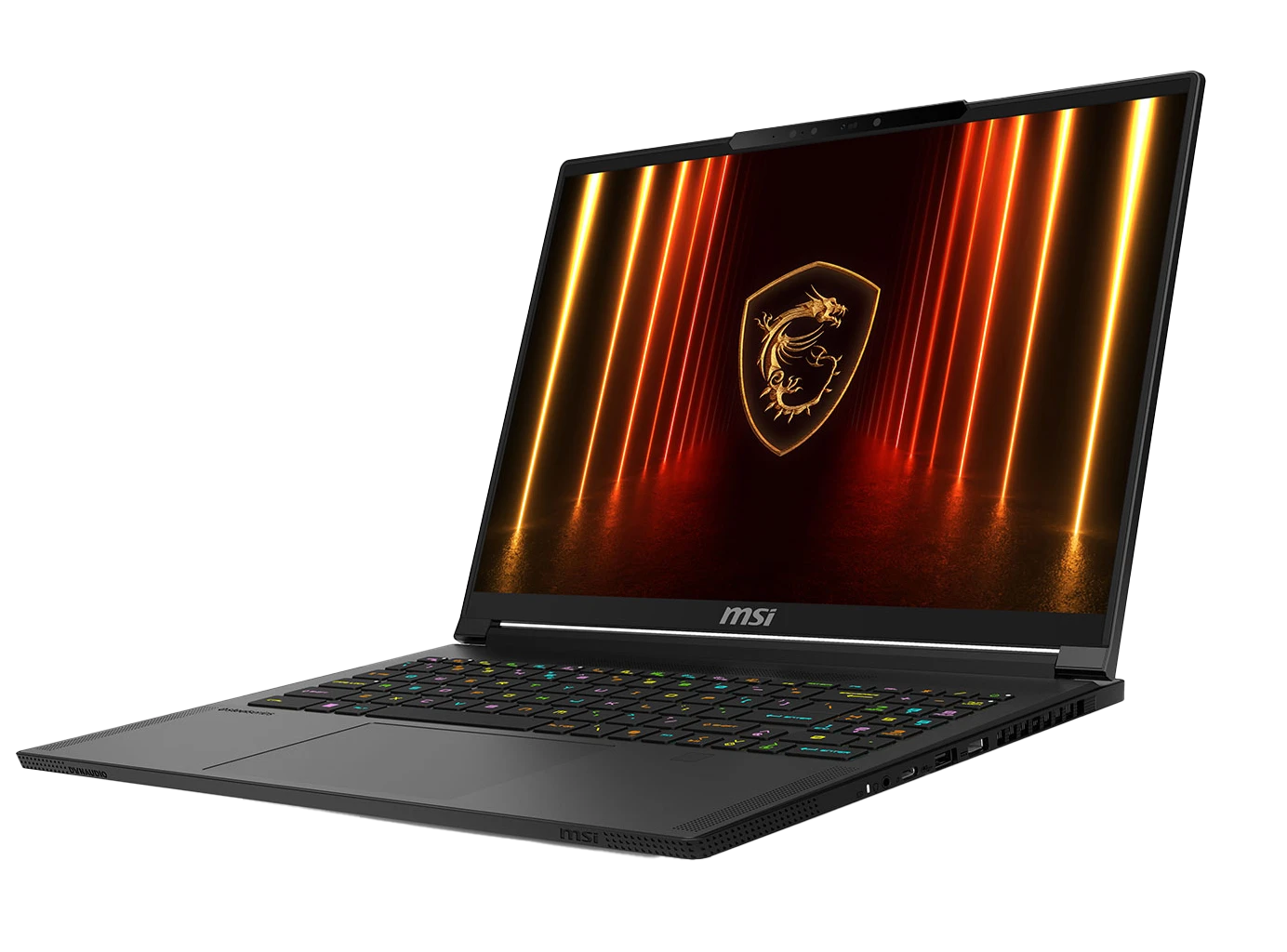
It’s also a good idea to look at the weight and thickness of the laptop. High-end laptops tend to be made from lightweight metal, whereas cheaper laptops are made from heavier plastic. You’ll also pay a premium for thinner laptops versus a thicker bulkier laptop. The below table compares two 15.6” laptops from the same manufacturer, MSI - the laptop on the left is the standard Raider model, with the premium thin and light Stealth model on the right.
 |
 |
|
|---|---|---|
| Thickness | 23.4mm | 19.5mm |
| Weight | 2.38kg | 2.1kg |
| Price | ££ | £££ |
Laptop Screens
The two key characteristics to look out for in a laptop screen are the resolution, which is the sharpness, and if you want a touchscreen.

Resolution
Resolution is the number of pixels (the tiny dots that make up the image) that the screen possesses - it is shown as a number for screen length and a number of screen height. The higher the resolution the sharper and clearer applications will appear. If you’re going spend a lot of time using graphics applications or spreadsheets you’re more likely to want as high a resolution as possible, a variety of which are displayed on the image opposite.

Touchscreen
Having a touchscreen on a laptop offers an additional way to control your applications over and above the keyboard and touchpad - either using your fingers or a pen / stylus. Many touchscreen laptops feature detachable screens, creating a 2-in-1 laptop / tablet format for greater flexibility. However, it’s worth noting that touchscreen functionality will increase the price significantly, so it’s definitely worth considering how much you will use the increased flexibility before you pay for it.
Most laptops also have at least one graphics output for you to connect an external monitor. This is often a preferred method of using your laptop at home - we’ll cover this a bit more later.
Laptop Connectivity
The size and thickness of your chosen laptop will govern the amount of inbuilt connectivity it has. Unlike desktop PCs, which can be easily upgraded over time, laptops have a fixed specification so its important to look at what ports it has, i.e. USB, Thunderbolt, DisplayPort, HDMI, Ethernet and Bluetooth. Don't forget to check the WiFi capability too, as this is the most common way to connect a laptop to the Internet. The tables below show the major differences between the most common ports and WiFi found on laptops.
USB
| Standard | Bandwidth | Connector |
|---|---|---|
| 2.0 | 480Mb/s | USB A |
| 3.0 | 5Gb/s | USB A |
| 3.1 | 10Gb/s | USB A |
| 3.2 | 20Gb/s | USB C |
| 4.0 | 40Gb/s | USB C |
| 4 2.0 | 80Gb/s | USB C |
Thunderbolt
| Standard | Bandwidth | Connector |
|---|---|---|
| 1 | 10Gb/s | Mini DisplayPort |
| 2 | 20Gb/s | Mini DisplayPort |
| 3 | 40Gb/s | USB C |
| 4 | 40Gb/s | USB C |
| 5 | 80Gb/s | USB C |
DisplayPort
| Standard | 1.3 | 1.4 | 2.0 onwards |
|---|---|---|---|
| Maximum Refresh Rate at 1440p (uncompressed) | 240Hz | 240Hz | 240Hz |
| Maximum Refresh Rate at 4K (compressed with DSC) | N/A | 240Hz | 480Hz |
| Maximum Refresh Rate at 4K (uncompressed) | 120Hz | 120Hz | 240Hz |
HDMI
| Standard | 1.3 / 1.4 | 2.0 | 2.1 onwards |
|---|---|---|---|
| Maximum Refresh Rate at 1440p | 75Hz | 144Hz | 240Hz |
| Maximum Refresh Rate at 4K | 30Hz | 60Hz | 120Hz |
WiFi
| Generation | IEEE Standard | Frequency | Max. Data Rate | Max. Range |
|---|---|---|---|---|
| Wi-Fi 2 | 802.11b | 2.4GHz | 11Mbps | 450ft |
| Wi-Fi 1 | 802.11a | 5GHz | 54Mbps | 400ft |
| Wi-Fi 3 | 802.11g | 2.4GHz | 54Mbps | 450ft |
| Wi-Fi 5 | 802.11ac | 5GHz | 1Gbps | 1000ft |
| Wi-Fi 6 / 6E | 802.11ax | 2.4 / 5GHz | 10Gbps | 1000ft |
| Wi-Fi 7 | 802.11be | 2.4 / 5GHz / 6GHz | 24Gbps | 1000ft |
Laptop Peripherals
Make the most of your gaming laptop with these essential peripherals.

Keyboards
Every laptop includes a compact keyboard, many of which also include RGB backlighting and some may even have superior keys with mechanical switches instead of rubber dome ones. However, you may want a dedicated gaming keyboard to connect to your laptop.
Learn more by reading our Gaming Keyboard Buyers Guide.

Mice
Every laptop includes a touchpad, however they are really only meant for web browsing and office productivity applications. You’ll almost certainly want to connect a dedicated mouse to better control your laptop.
Learn more by reading our Gaming Mice Buyers Guide.

Headsets
Although every laptop includes speakers and a microphone, because these are integrated into the underside or sides of the laptop and feature tiny drivers the sound quality and maximum volume usually leaves a lot to be desired.
Upgrade your audio experience by reading our Gaming Headset Buyers Guide.

Speakers
Although every laptop includes speakers, because these are integrated into the underside or sides of the laptop and feature tiny drivers the sound quality and maximum volume usually leaves a lot to be desired.
Upgrade your audio experience by browsing our range of standalone Speakers.
Laptop Coolers
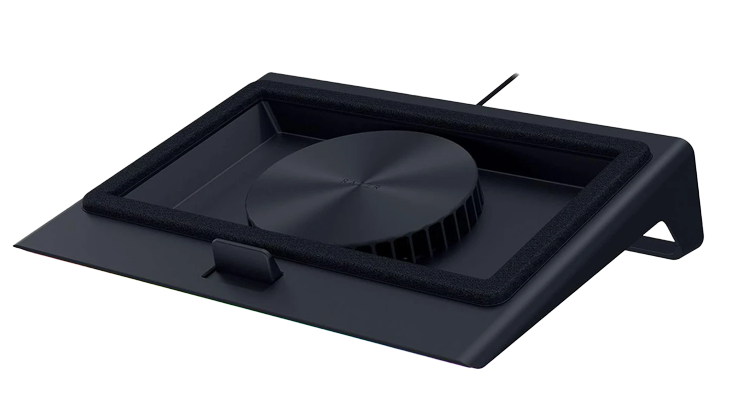
If you’re finding your laptop runs a bit on the hot side a laptop cooler could be worth looking into. These slim laptop stands lift the laptop off the desk by a few millimetres and provide extra cooling for the laptop via an embedded fan. As an added bonus, most laptop stands also tilt the laptop slightly forwards, making typing more comfortable, if not using an external keyboard.
Browse our range of Laptop Coolers.
External Monitors
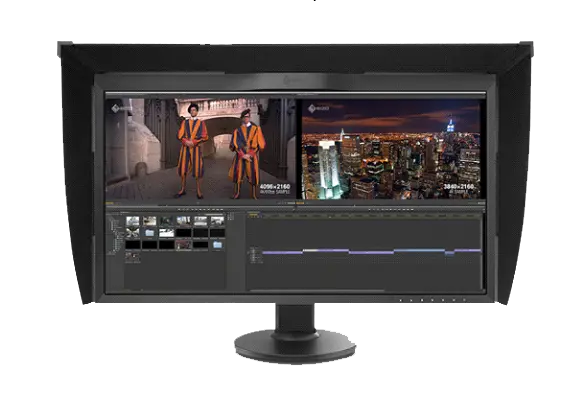
As mentioned previously having an additional external monitor can either provide simply a larger screen in a fixed desk environment, or a second (or third) screen to view multiple applications at once.
Upgrade your visual experience with either our standard Monitors Buyers Guide or Professional Monitors Buyers Guide which covers colour critical monitors.

Laptop Bags
If you’re planning on taking your laptop with you on the road make sure you invest in a good quality bag. This not only makes carrying the laptop and accessories such as mouse and headset a lot more convenient, but also will protect it from damage. We stock a variety of backpack and executive style laptop bags across a wide range of price points.
Browse our range of Laptop Bags.

Chairs
Everybody needs something to sit on when using their laptop at home or in the office. The designers of these chairs have thought about how computer users sit, how they move, and what they need most from their chair.
Learn more by reading our Gaming Chair Buyers Guide.

Desks
Computer desks are purpose designed, having useful features such as flexible monitor arms, so you can position your screen(s) at the perfect height and angle.
Learn more by reading our Gaming Desk Buyers Guide.
Ready to buy?
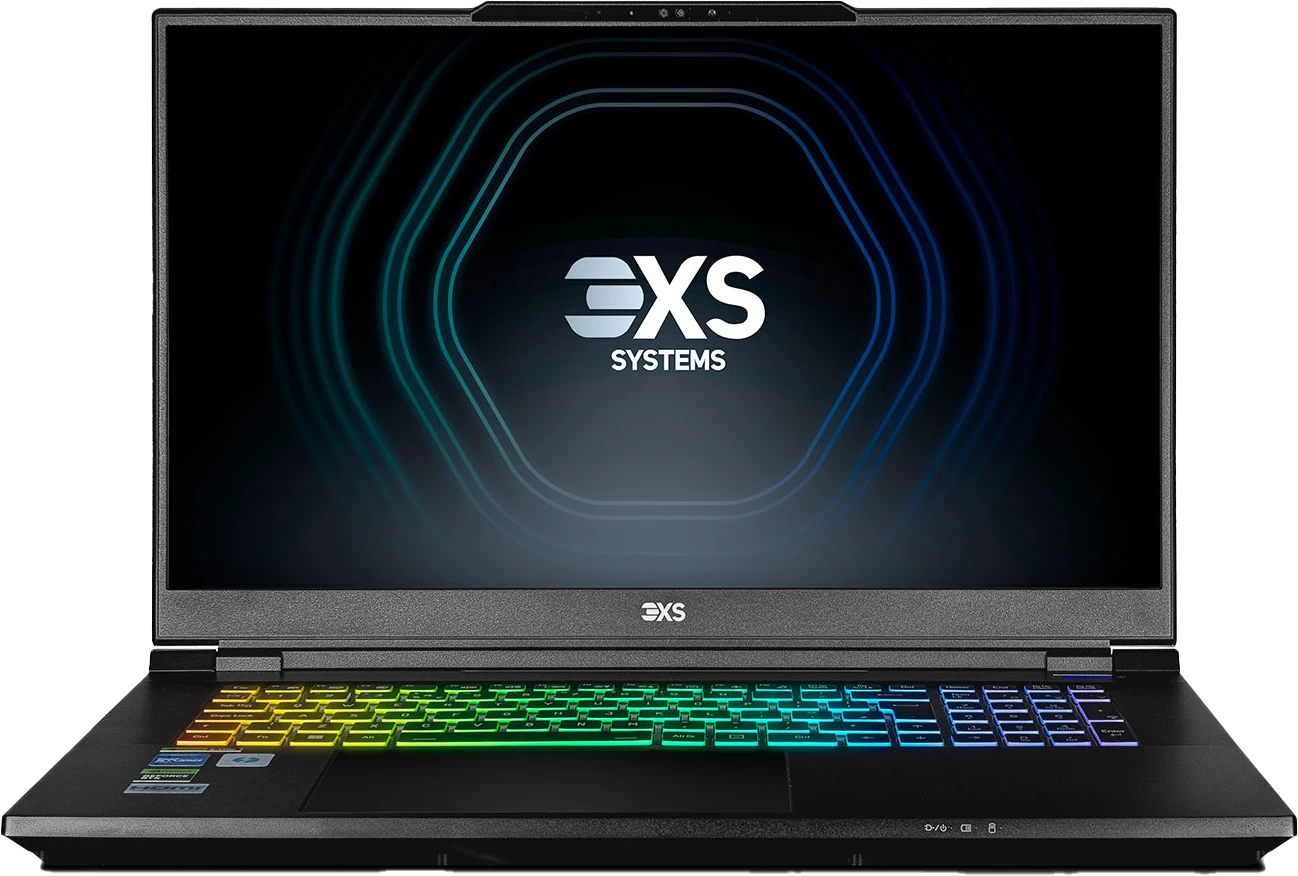
There you have it, everything you need to know about choosing a new gaming laptop. We sell a wide variety of models from top laptop brands such as Asus, MSI and Razer plus customisable laptops from our very own 3XS Systems.
Need Help Choosing?
If you still have questions on how to select a laptop don't hesitate to contact one of our friendly advisors on
Frequently Asked Questions FAQ
We recommend looking at what level of graphics card you can afford for your budget. The graphics card or GPU is the most important component in a gaming laptop and as it's the most expensive component too, it has the biggest impact on the cost of the system. Read the Graphics Card section of this guide for more information.
Yes, alongside our extensive range of pre-configured gaming laptops, you can use our online configurator to customise every aspect of your gaming laptop.
We recommend a minimum of 16GB of RAM for a gaming laptop; but you should choose the quantity of RAM depending on your GPU, read the System Memory section of this guide for more information.
A mid-range gaming laptop with an NVIDIA GeForce RTX 5070 or higher graphics card, a processor with at least 8 cores and a minimum of 32GB of system memory will be good for video editing. You may need to add more storage and RAM when working with higher resolution video footage.
Gaming laptops are much more powerful than typical office laptops, so can be used for work type applications.
A gaming laptop equipped with a suitable graphics card, processor and other components will start around £850, or as little as £30 per month if paying in installments. Beware of gaming laptops significantly cheaper than this, they are likely built using previous-generation or underpowered components that will struggle to play modern games at a smooth frame rate.
3XS gaming laptops are available to purchase using Scan Finance, paid for on flexible terms of up to 48 months or via PayPal Credit. For further information look out for the Finance section on 3XS gaming laptop product pages.
3XS gaming laptops are available to purchase using Scan Finance, paid for on flexible terms of up to 48 months or via PayPal Credit. For further information look out for the Finance section on 3XS gaming laptop product pages.